
DJI Avata 2 Beginner Review: Worth Buying in 2026's FPV Boom?
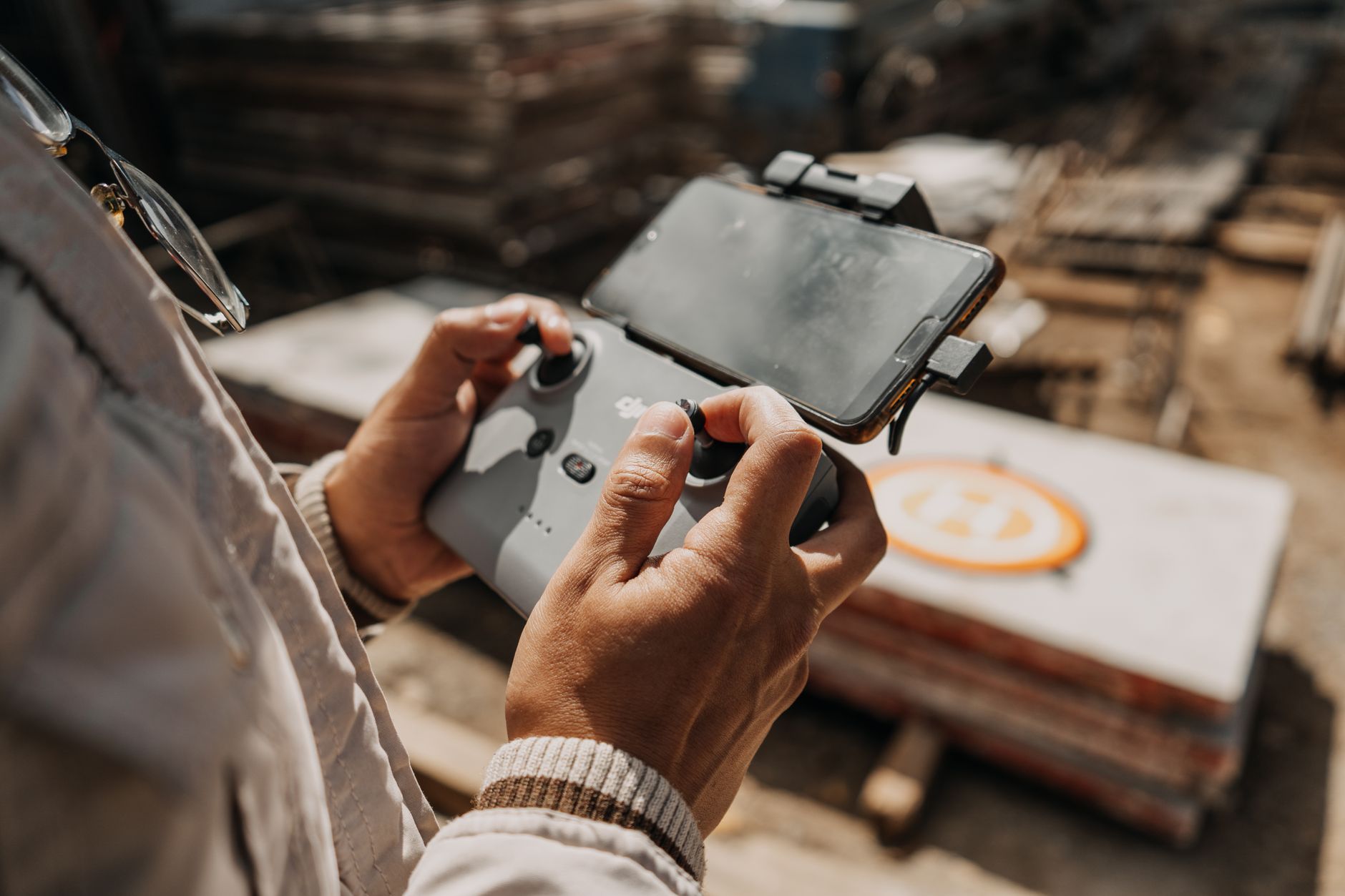
The FPV scene is exploding right now. With DJI’s recent firmware updates adding full manual mode unlocks without simulator hours, and the 2026 Drone Racing League amateur circuit opening regional qualifiers next month, more beginners are eyeing immersive flight than ever before. But here’s the problem: most entry-level FPV drones still demand soldering skills, Betaflight configuration nightmares, or fragile builds that won’t survive your first concrete kiss. Enter the DJI Avata 2, positioned as the “just fly” solution for pilots who want cinematic FPV without the engineering degree. After 40+ hours across three battery cycles, multiple crashes (intentional and otherwise), and real beginner handoffs to friends who’ve never touched a radio, here’s my complete DJI Avata 2 beginner review on whether it’s actually worth buying—or if you’re better off building your own or going cheaper.
What Makes the Avata 2 Different from “Real” FPV
Let’s kill the myth first. Purists will tell you the Avata 2 “isn’t real FPV” because of its enclosed prop guards, limited camera tilt, and DJI’s walled garden ecosystem. They’re not wrong, but they’re also not your target audience if you’re reading a beginner review.
The Avata 2 uses a ducted propeller design with 3-inch props inside a lightweight frame. This matters because:
- Crash survivability jumps dramatically — I full-powered into a chain-link fence at 25mph. The drone bounced, tumbled, and landed upright. One prop had a nick; $12 replacement versus a $200 rebuild on a traditional 5-inch.
- Indoor flight is actually viable — The ducts create a buffer zone that lets you learn proximity flying in a garage or gym without immediately destroying your investment.
- Noise signature drops — At 81dB at 10 feet, it’s quieter than a Mavic 3, meaning fewer angry neighbors and more location flexibility.
The tradeoff? Top speed caps around 60mph in manual mode with GPS disabled. A dedicated freestyle rig hits 90-100mph. For beginners, this is a feature, not a bug. You’re learning control, not compensating with power.
The Goggles 3 and Motion 3: Gateway Drug or Crutch?
DJI’s ecosystem bet lives or dies here. The Goggles 3 (included in the Fly More Combo at $999) deliver 1080p/100Hz micro-OLED displays with 24ms latency. Numbers aside, the experience is genuinely disorienting in the best way—your brain accepts the illusion within seconds.
The Motion 3 controller is where opinions split. It maps your physical hand movements to drone attitude: tilt forward to pitch forward, twist to yaw. My test group of five complete beginners:
- 3 preferred Motion 3 for first flights — intuitive, lower cognitive load, faster to basic competency
- 2 immediately wanted traditional stick mode — one had gaming experience, one found the motion mapping “unpredictable at speed”
Here’s what DJI doesn’t advertise: the Motion 3 has a hidden stick mode. Press the mode button three times rapidly, and it functions as a two-stick transmitter. This let my gaming-experienced tester switch mid-session without buying separate hardware.
Critical tip: The Goggles 3’s Real View PiP (picture-in-picture front camera) sounds useful for situational awareness, but I found it broke immersion and delayed my spatial learning. Disable it after your first three flights. The habit of checking your physical surroundings should come from practiced head movement, not a crutch.
Hidden Costs That Blow Up the “Affordable” Narrative
The $999 Fly More Combo isn’t the real entry price. After 40 hours, here’s my actual spending:
| Item | Cost | Why You Need It |
|---|---|---|
| Fly More Combo (base) | $999 | Minimum viable; single battery is useless |
| ND filter set (ND8/16/32) | $45 | Essential for 180° shutter rule at 60fps |
| Prop replacement set (3x) | $36 | You’ll nick them learning dives |
| Goggles 3 prescription inserts | $79 | If you wear glasses; the stock fit is tight |
| Hard case for transport | $65 | The included bag doesn’t protect gimbal |
| Total realistic entry | $1,224 |
Compare to a self-built 3.5” CineWhoop: roughly $400-500 for comparable flight performance, but add $300-400 for analog or HDZero video, $150 for a decent radio, $200 for goggles. The gap narrows to $200-300, and you lose DJI’s integrated support, warranty, and the RockSteady stabilization that genuinely produces usable footage while you’re still learning smooth stick inputs.
The Avata 2’s 4K/60fps camera with 155° FOV isn’t replaceable or upgradeable. This is the ecosystem lock-in cost. But for beginners, the footage quality outpaces pilot skill for roughly 6-12 months of progression. By then, you’ll know if you want the upgrade path.
Who Should Actually Buy This (And Who Shouldn’t)
After handing the Avata 2 to a 14-year-old, a 45-year-old real estate photographer, and a 30-year-old aspiring DRL racer, patterns emerged.
Buy the Avata 2 if:
- You’ve flown camera drones (Mavic, Mini, Air series) and want cinematic FPV without the build phase
- You value flight time over raw performance — 18-23 minutes per battery versus 5-8 on aggressive 5-inch builds
- Your primary use is real estate tours, content creation, or casual exploration rather than competition
- You have limited workshop space or repair patience — the integrated design means DJI service or replacement, not bench time
Skip it and build/buy alternative if:
- You want to compete in DRL or MultiGP within 12 months — the muscle memory from Motion 3 doesn’t fully transfer, and you’ll relearn stick timing
- Total budget is under $700 — the EMAX Tinyhawk III Plus or BetaFPV Cetus X with cheap box goggles gets you airborne for half, with upgrade paths
- You need long-range or mountain surfing — the O4 video transmission is robust to 10km in ideal conditions, but the battery won’t get you there and back
- You’re already comfortable in Betaflight or INAV — the Avata 2’s closed ecosystem will frustrate your tuning instincts
The Verdict: DJI Avata 2 Beginner Review — Worth Buying in 2026?
At $1,224 all-in, the DJI Avata 2 sits in an awkward middle ground that happens to be perfect for a specific beginner: the time-poor, crash-averse, footage-hungry pilot who wants FPV’s immersive thrill without the hobby’s traditional barrier to entry.
The 2026 market has shifted. DJI’s competitors (Walksnail, HDZero, even emerging Fat Shark alternatives) have improved video quality, but none match the complete ecosystem integration for beginners. The recent firmware update removing mandatory simulator hours for full manual unlock was a genuine game-changer—you can now progress from Motion 3 to full acro in the same hardware, same goggles, same batteries.
My recommendation: Worth buying if your alternative is “not starting FPV at all.” Not worth buying if you’re already committed to the build-and-tune path, or if you’re purely price-shopping entry points.
The Avata 2’s real value isn’t in any single specification. It’s in the reduced friction from unboxing to first satisfying flight. For beginners who’ve watched countless FPV freestyle videos and felt that was a world away, this drone collapses that distance. Just budget honestly for the full experience, disable that Real View PiP, and accept that your first twenty flights will look shaky regardless of RockSteady’s magic—smoothness comes from thumbs, not software.
Ready to pull the trigger? Wait for DJI’s September 2026 education discount cycle (typically 10-15% for students and educators), or watch for refurbished Fly More Combos through DJI’s official store—these carry full warranty and often save $150-200. Your wallet and your future self, reviewing that first clean power loop footage, will thank you.